
Features

From scan to pan.

Everything Capseta does, from saving Grandma’s card to cooking from it on a Tuesday night.

Save

Bring every recipe home.

Websites, cookbooks, handwritten cards, and the files on your computer, in one collection you can actually use.

  • Paste a link from almost any recipe site. You get the recipe without the ads and pop-ups.
  • Photograph a handwritten card or a cookbook page, even across several pages. Capseta reads it, handwriting too.
  • Paste text from an email, or upload PDFs, Word documents, or spreadsheets.
  • On a computer? Scan a code to use your phone as the camera.
  • You can always review, correct, and edit every recipe that you import.

iOS and Android apps are in development. Until then, Capseta runs in the browser and can be added to your home screen.
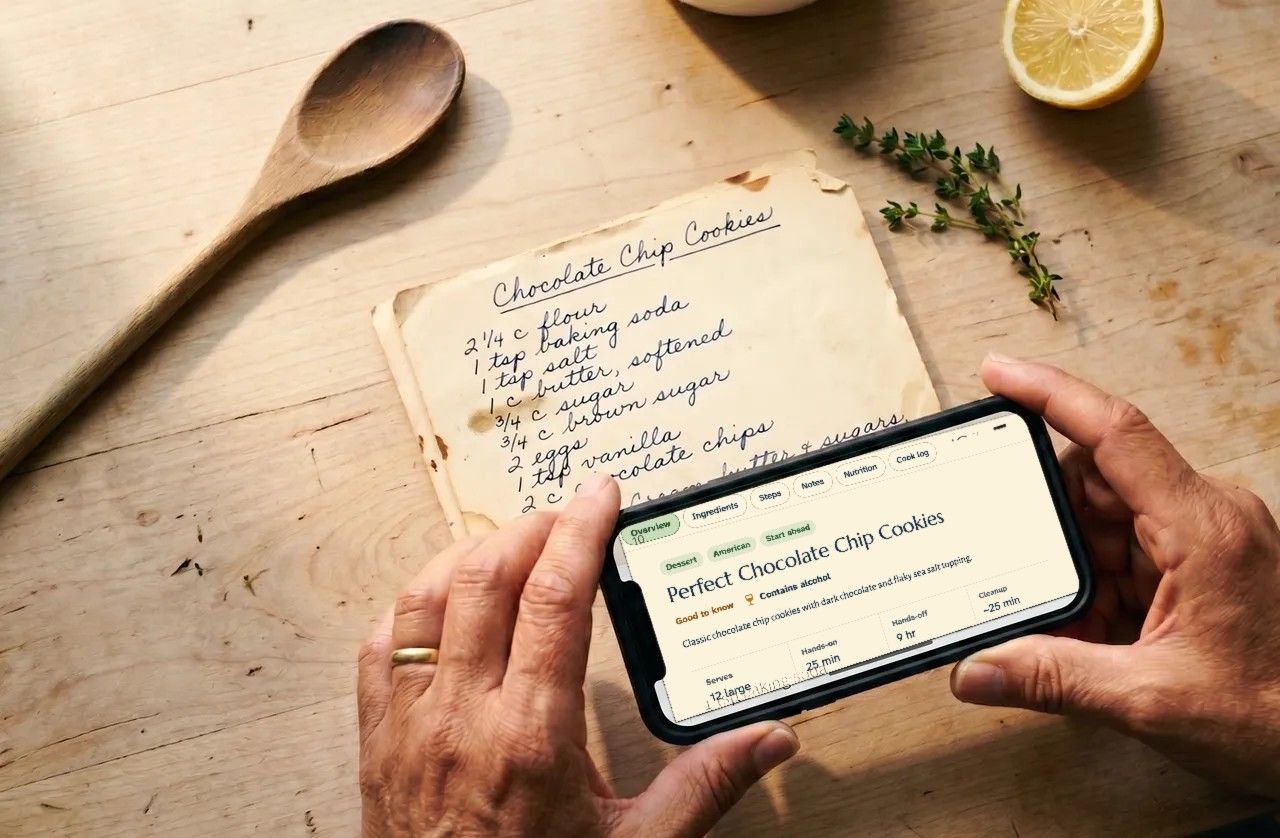
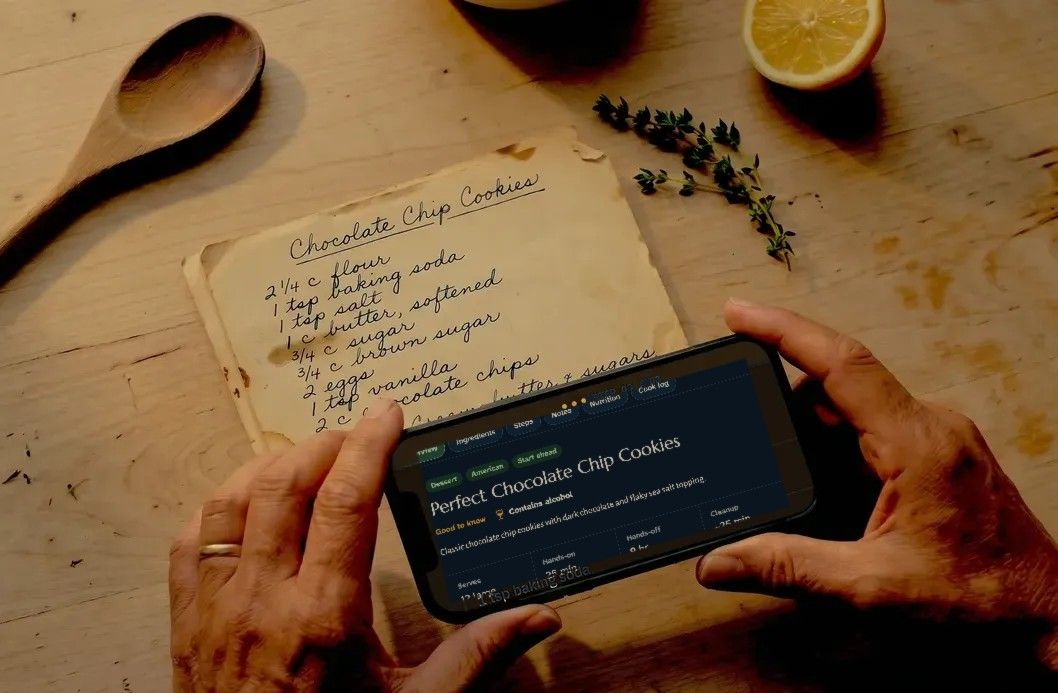
Hands holding a phone over a handwritten Chocolate Chip Cookies card, with the recipe open in Capseta Hands holding a phone over a handwritten Chocolate Chip Cookies card, with the recipe open in Capseta

Plan and shop

Find it, plan it, shop for it.

One search across everything, a week you can see at a glance, and a list that’s ready for the store.

  • Search titles, ingredients, tags, and your own notes at once.
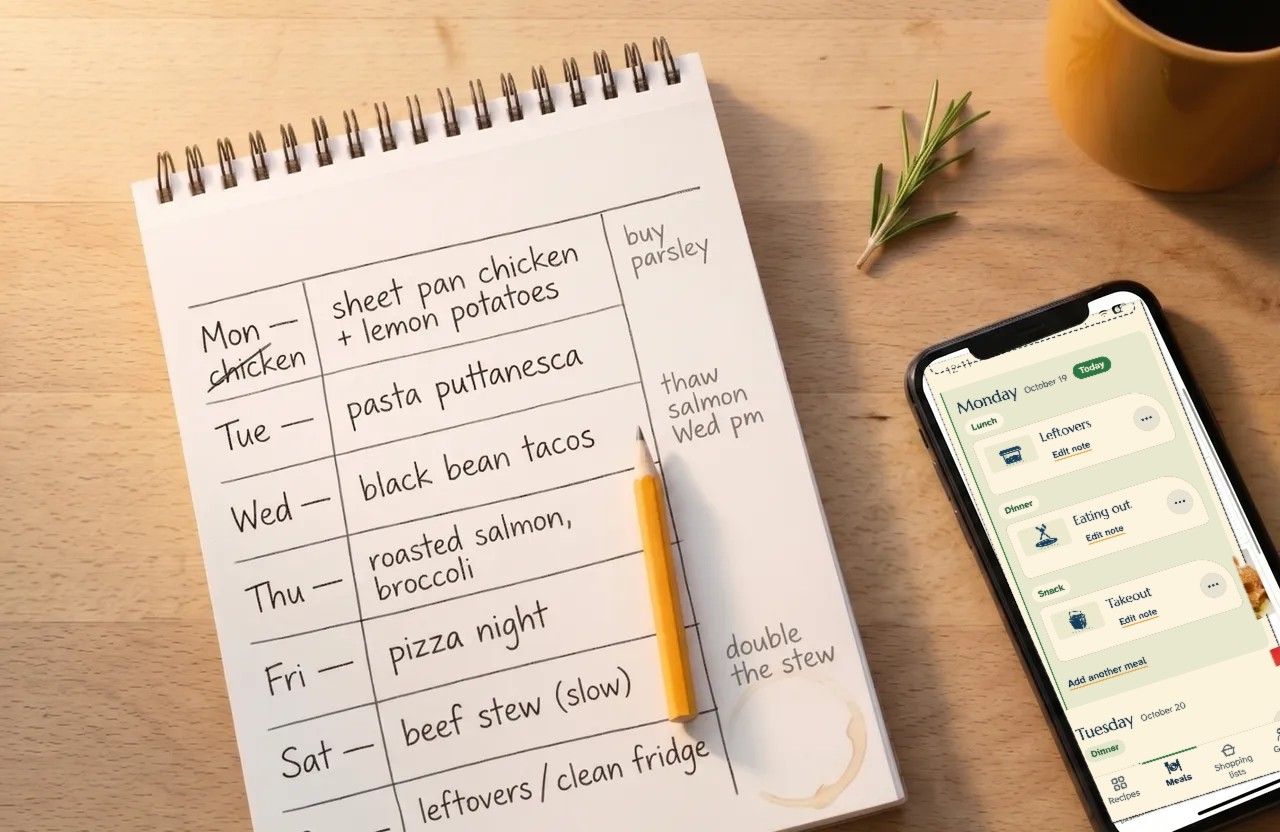
  • Put meals on the days you’ll cook them, and note when you’re out.
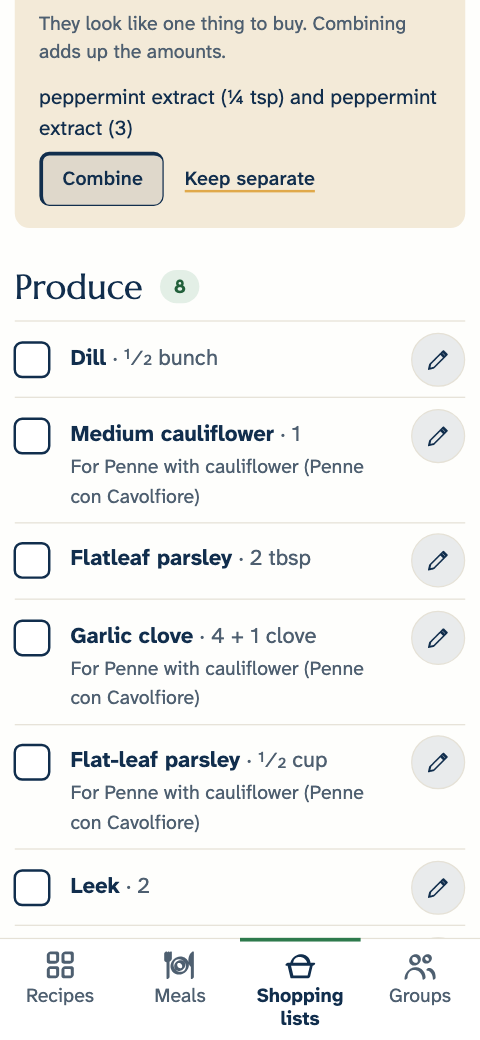
  • Turn the week into a shopping list in one step, grouped by category, with matching ingredients combined.
  • Everyone in your household sees the same list as you check things off.
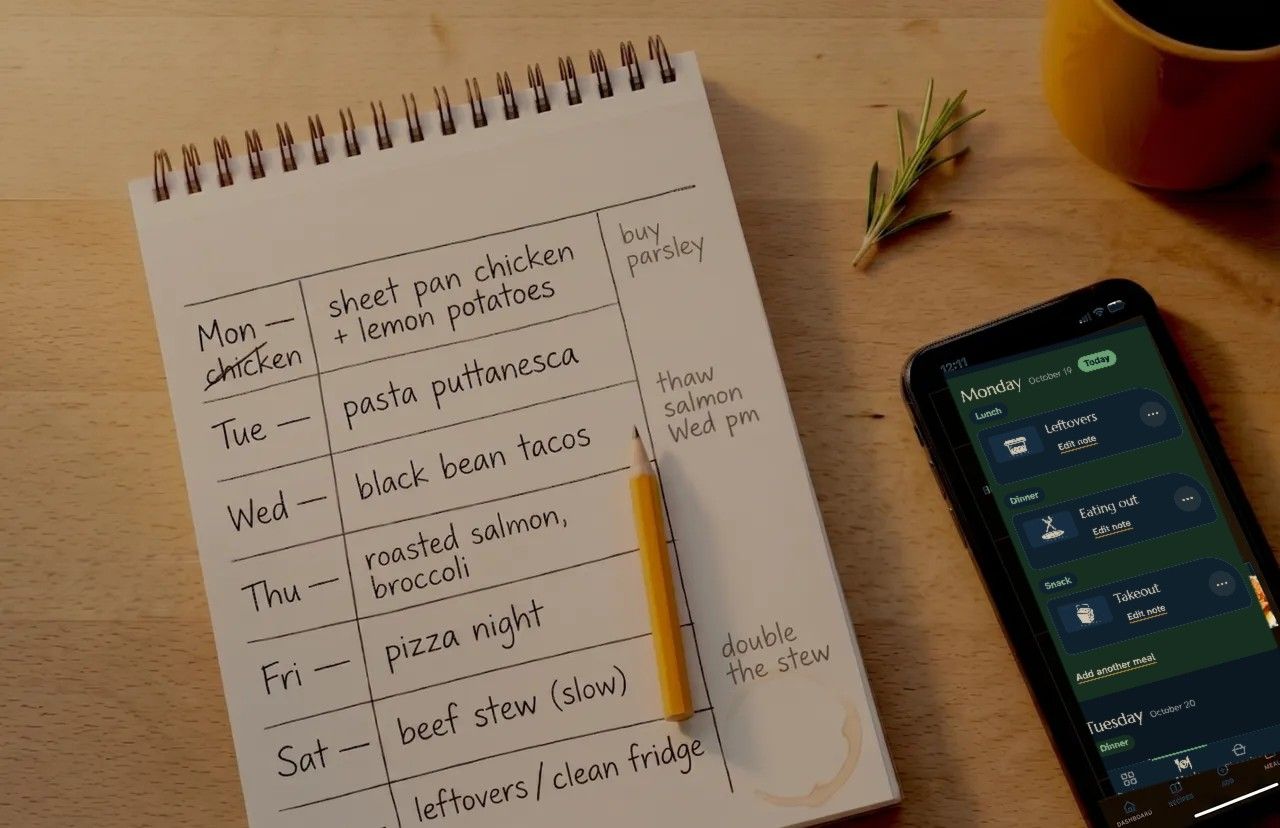
A paper week plan beside a phone open to Capseta’s Meals page, with leftovers, eating out, and takeout planned A paper week plan beside a phone open to Capseta’s Meals page, with leftovers, eating out, and takeout planned
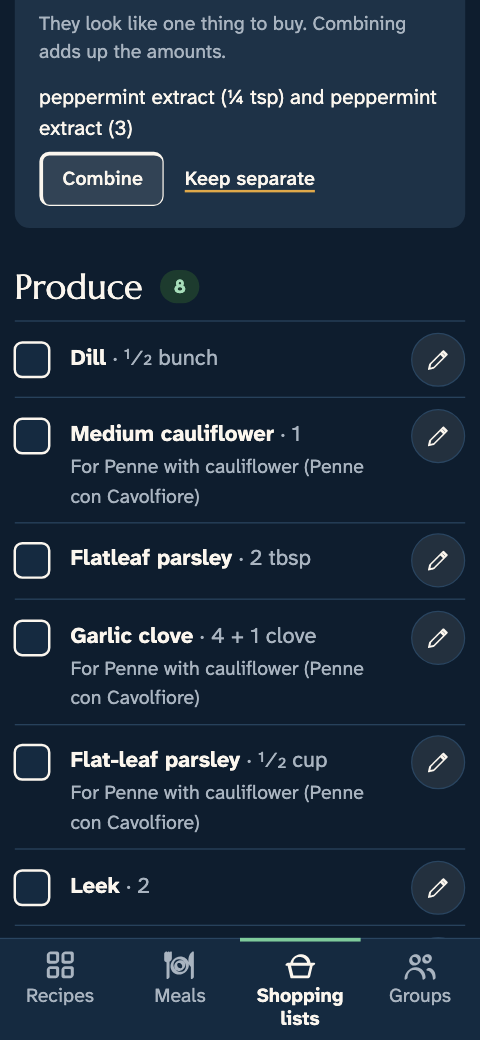
The shared shopping list, grouped by category The shared shopping list, grouped by category

Cook

Cook from all your screens.

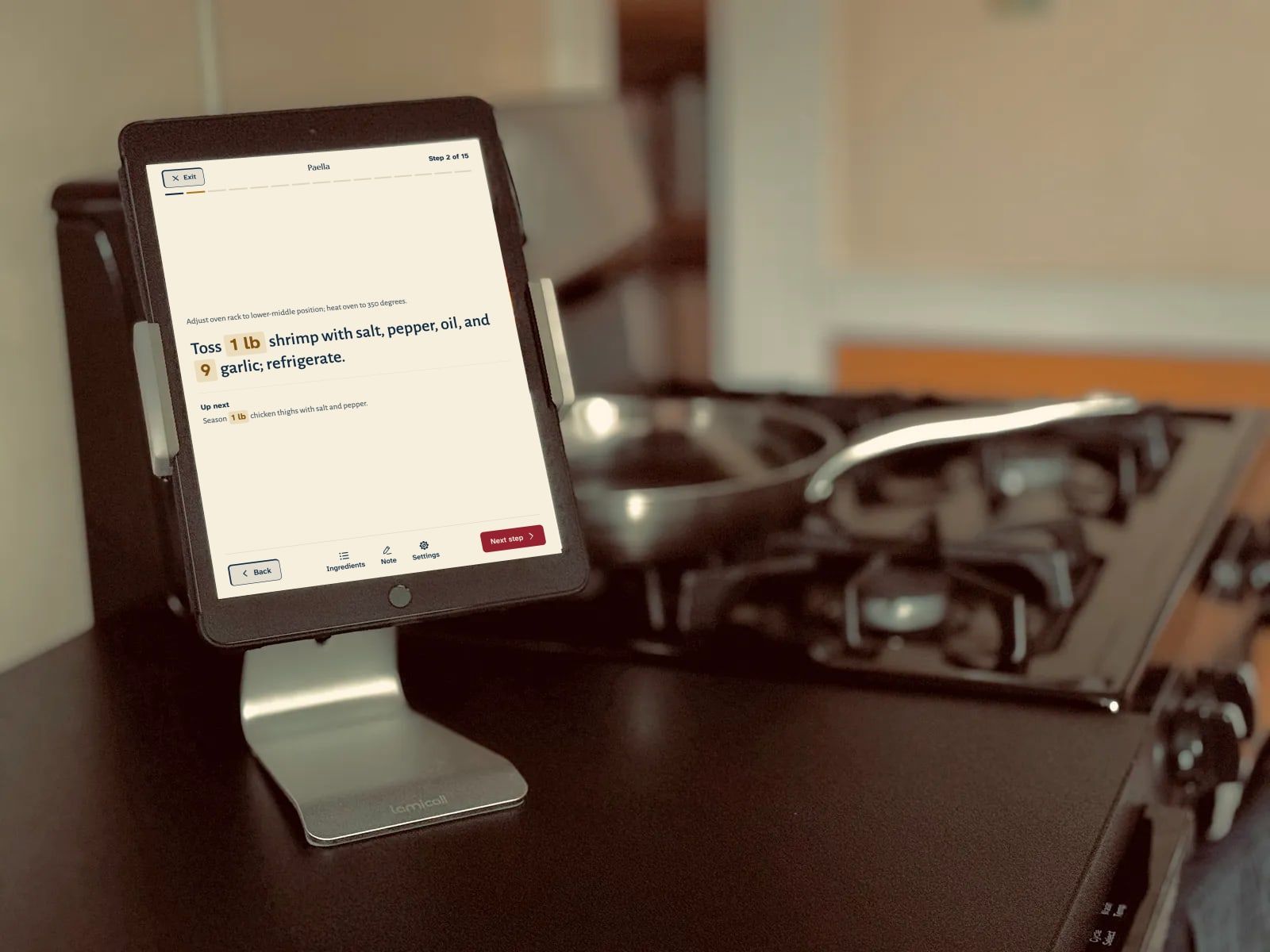
Big type, one step at a time, readable from across the kitchen on a phone, tablet, or computer.

  • The amounts for each step, right where you need them, and the full ingredient list a tap away.
  • Scale a recipe up or down, or switch between cups and grams.
  • Make it yours: change amounts, add notes, write down what worked.
  • Install it on your phone to use it when you’re on the go. iOS and Android apps are in development.
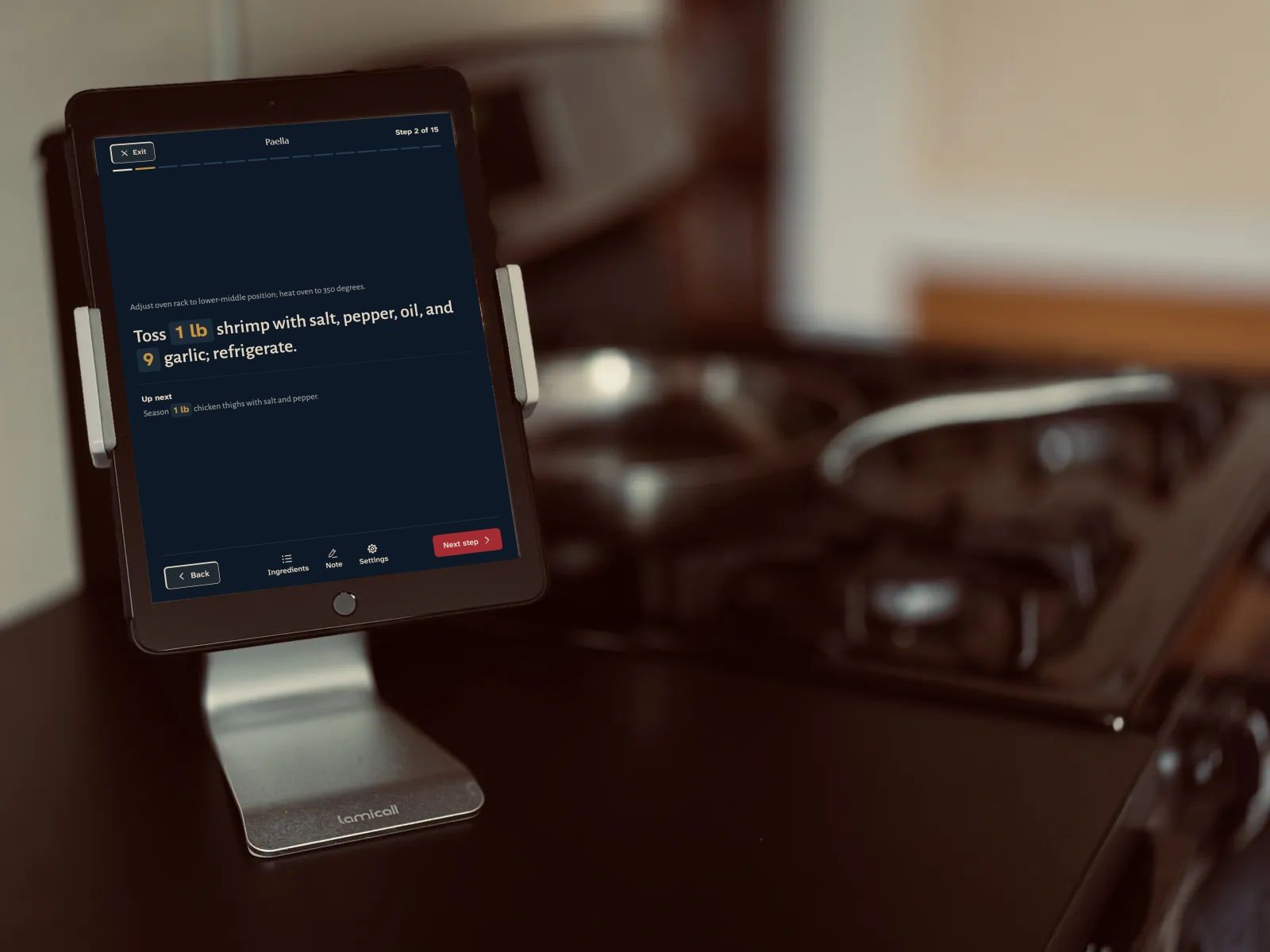
An iPad on a stand beside the stove, open in cooking mode: a step of the paella in large type, with the amounts highlighted An iPad on a stand beside the stove, open in cooking mode: a step of the paella in large type, with the amounts highlighted

Nutrition

Know what’s in it.

Nutrition worked out from your own ingredients, with its working shown.

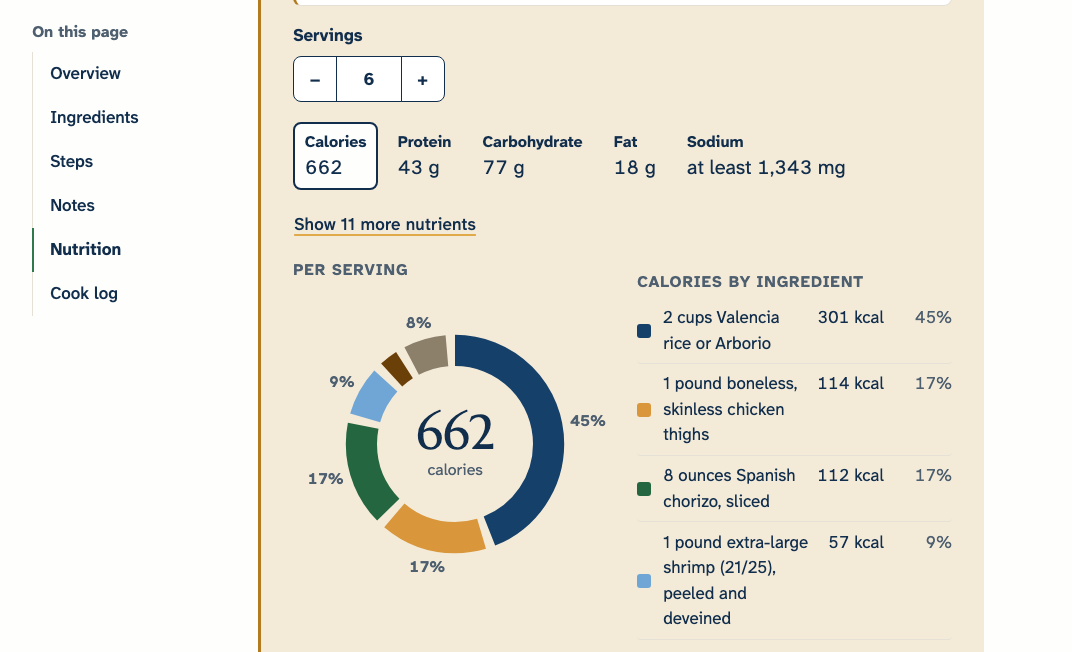
  • Calories, protein, fat, carbohydrate, and sodium per serving, from the ingredients in your recipe rather than someone else’s version of the dish.
  • Figures come from USDA FoodData Central, and from product labels where USDA has nothing.
  • Tap Full nutrition to see which ingredients add to each figure, and how much each one was taken to weigh.
  • When an ingredient has no amount or no data, it says so and gives a range, instead of a number that looks more precise than it is.

Estimates to guide you, not a nutrition label. For allergies and special diets, check the labels.

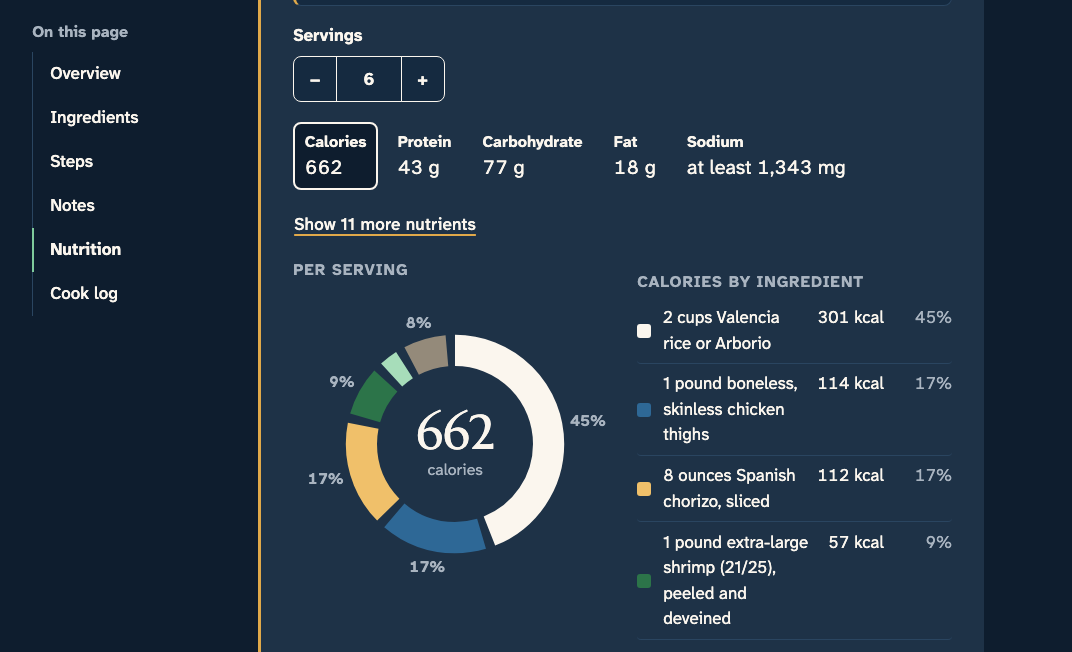
The nutrition panel on the paella: calories, protein, carbohydrate, fat, and sodium per serving, marked as an estimate, with the calories donut The nutrition panel on the paella: calories, protein, carbohydrate, fat, and sodium per serving, marked as an estimate, with the calories donut

Share

Share what you love. Privately.

Cook with the people you choose, and nobody else.

  • A household space for up to four people.
  • Private groups for a cooking club, the cousins, or a family reunion.
  • Events for planning a holiday dinner together: who’s bringing what, and the recipes for all of it.
  • Share a recipe with a link, and it opens as an invitation anyone with the link can see: the recipe’s title, a few of its ingredients, and your notes. They save it to their own Capseta to cook from it.
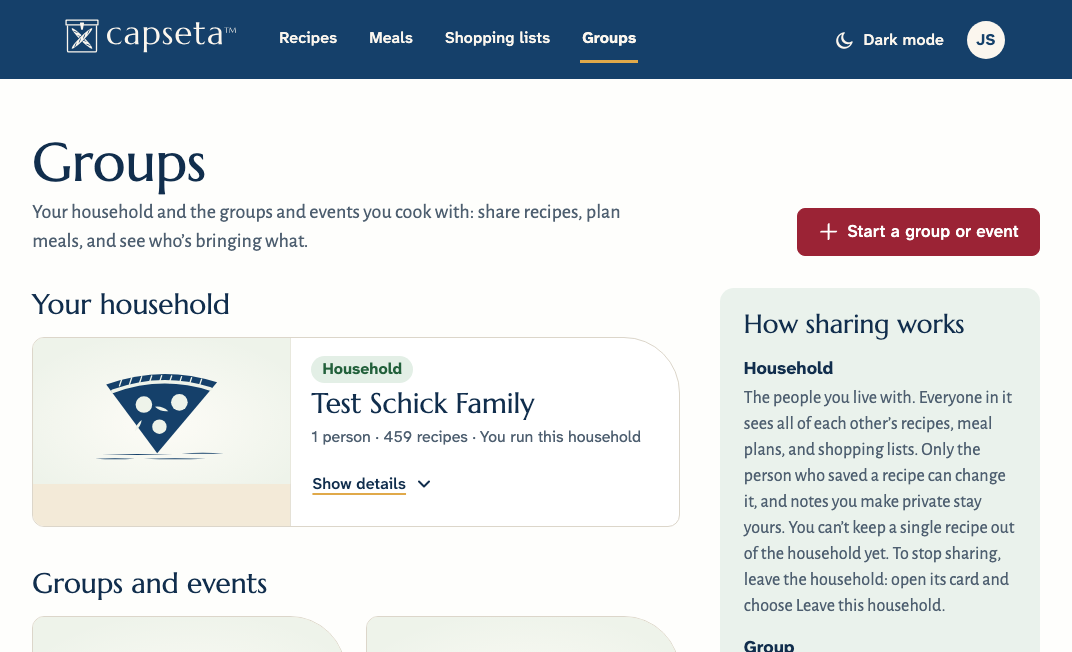
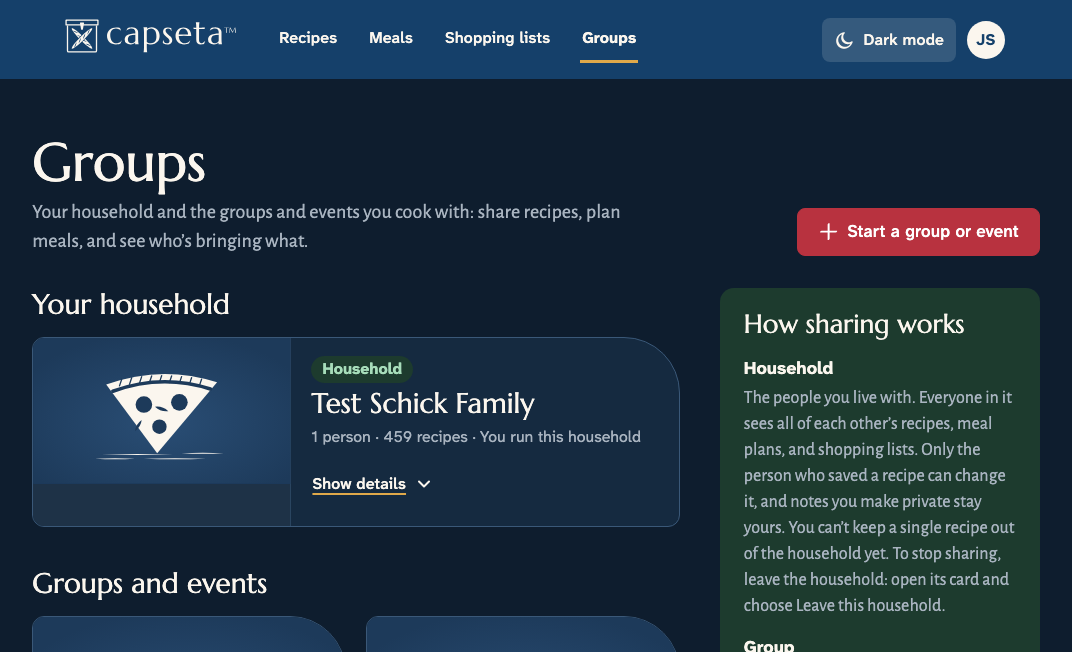
Capseta’s Household and groups screen: a household of four, a group, and an event, and a note on how sharing works Capseta’s Household and groups screen: a household of four, a group, and an event, and a note on how sharing works

How we build it

How we protect your recipes
No passwords
Sign in with a passkey: the face or fingerprint unlock you already use. Or get a link by email.
No tracking
No ads, no tracking cookies, no following you around the web. We count visits without cookies.
Yours to take
Export your whole collection whenever you like, or delete your account and everything in it.
Ten languages
Capseta’s User Interface and menus are available in ten languages (and counting): English, Spanish, French, German, Dutch, Swedish, Italian, Portuguese, Polish, and Catalan. Your recipes can be in any language.
Every device
Phone, tablet, or computer, in the browser you already have. Install it without an app store.
Built for everyone
Big, clear type and full keyboard and screen reader support. We design and build to meet WCAG 2.2 AA.

Try it with the recipe you’d be sad to lose.

Add your first recipe in under a minute. Free during the public beta.

The public beta

After the beta, Capseta is a yearly subscription for your whole household, up to four people. Beta testers get a generous discount when we launch, and the recipes you add during the beta stay yours, whatever you decide.

Read about the beta