Save
Bring them all together.
Cards, cookbooks, websites, and emails, all in one place. Capseta remembers where each recipe came from, and your notes stay with it.
Public beta · free until launch
Bring together all the recipes you love: Grandma’s cards, dog-eared cookbooks, bookmarked websites, and the dishes you know by heart. Capseta, a private recipe organizer and meal planner, handles the hunting, planning, and shopping lists, so you can get back to the part you love: cooking for the people you love.
Free during the public beta. No ads, no tracking, and we don’t sell your data.
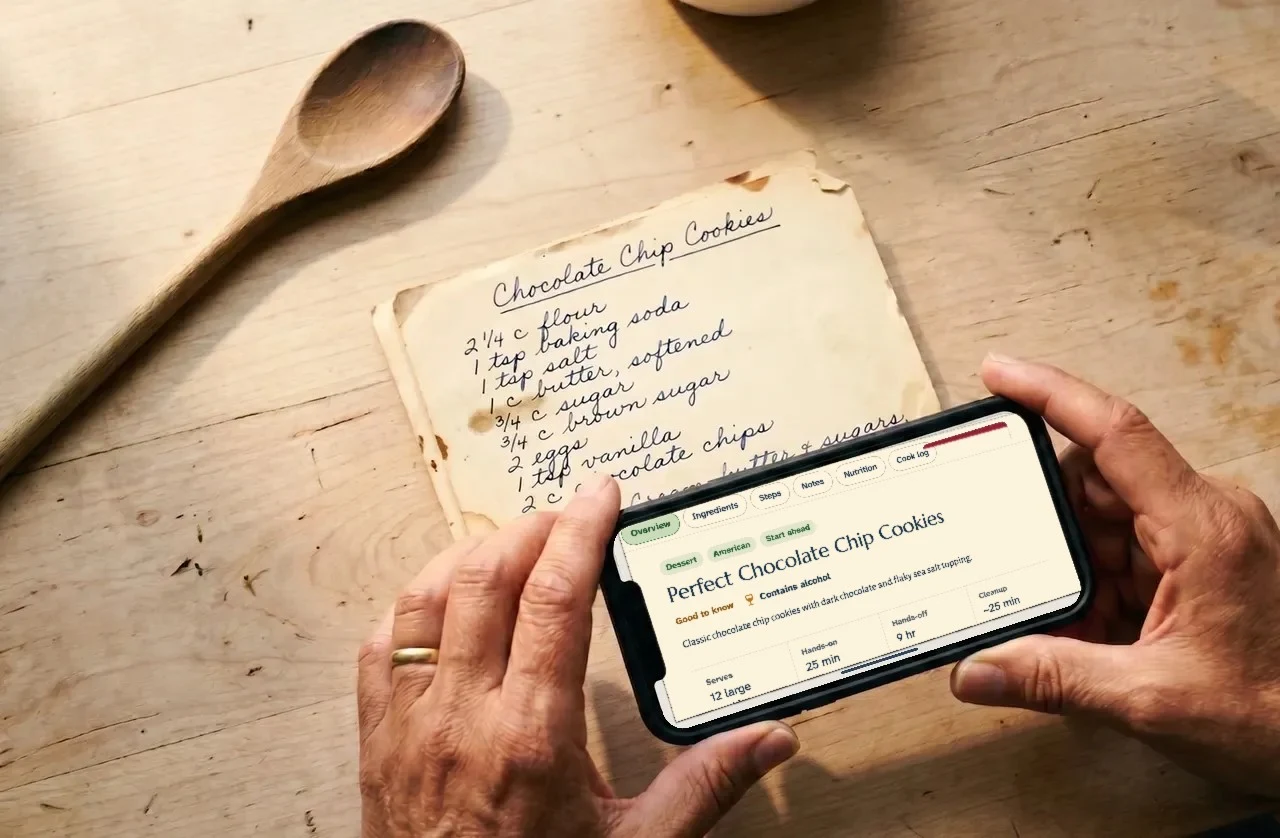
Bring one recipe or a whole shelf. Each one takes about a minute, and you check it before it’s saved.
Moving from another app? Bring your whole library at onceUse your phone’s camera. Capseta reads the text and turns it into a recipe you can cook from.
Paste a link. The recipe can live alongside your others (but without all the ads and pop-ups).
Type it in the way you’d tell it. We sort out the ingredients and the steps, and you can edit it as you cook.
One place for the whole job: saving, planning, shopping, and cooking.
Save
Cards, cookbooks, websites, and emails, all in one place. Capseta remembers where each recipe came from, and your notes stay with it.
Plan
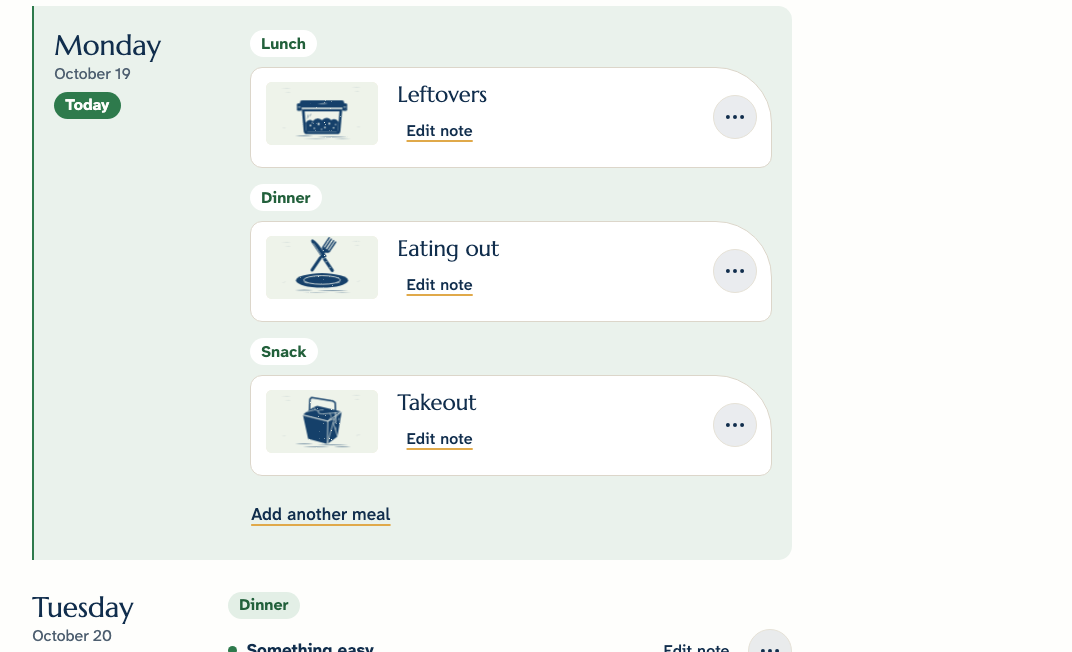
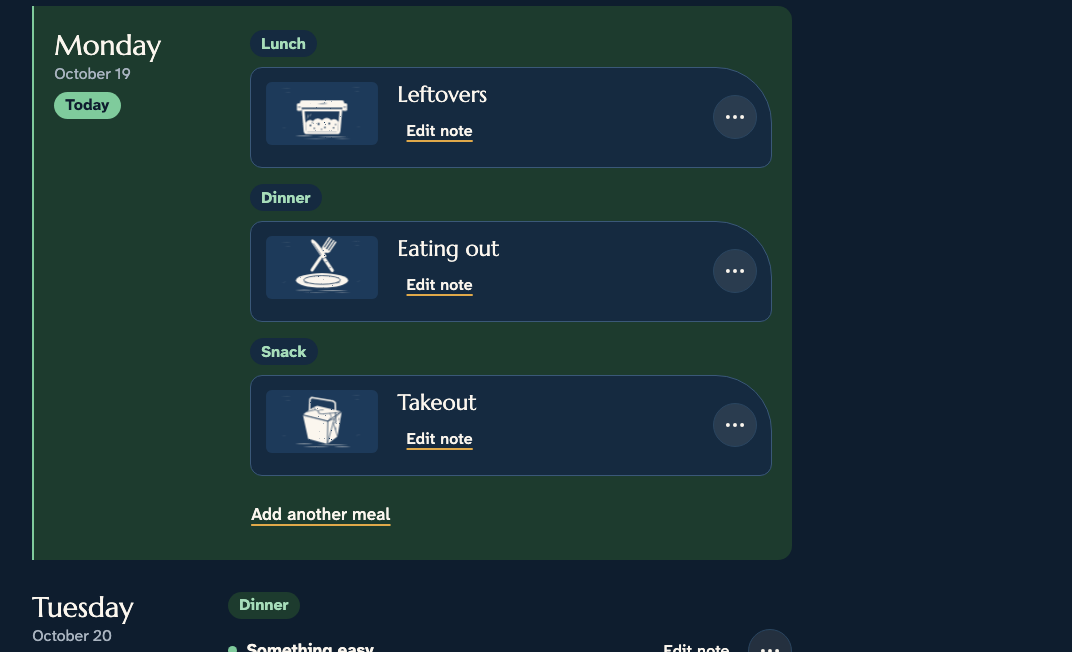
Schedule meals when you’ll want to cook, and meals that you’re eating out. Plan a holiday dinner for a crowd with every dish in one place.
Shop
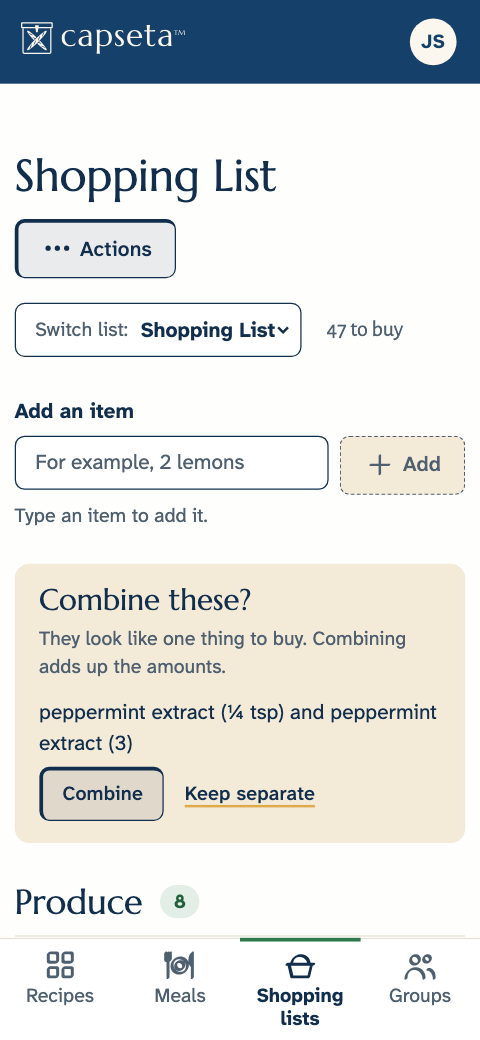
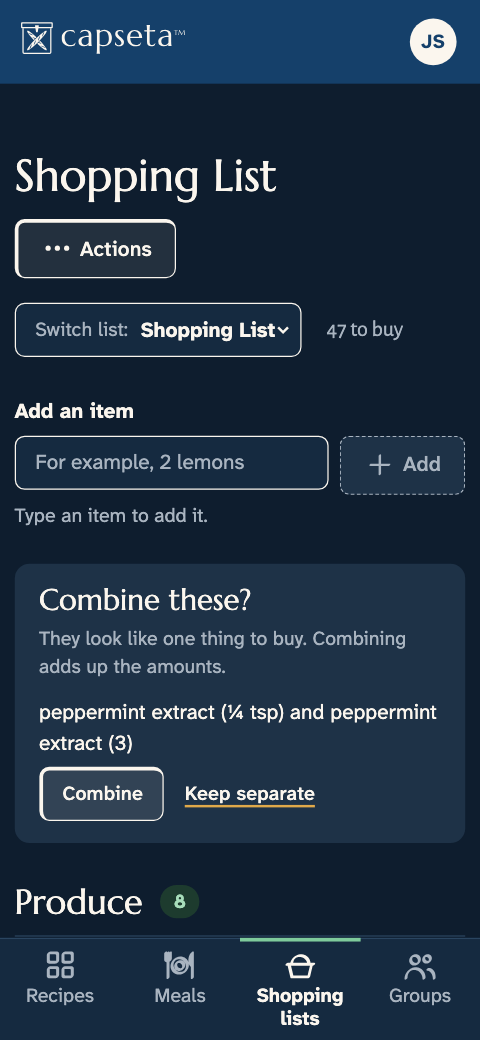
Add a recipe’s ingredients to shopping lists easily, and each item says which recipe it’s for. Sync it with your phone for trips to the store.
Cook
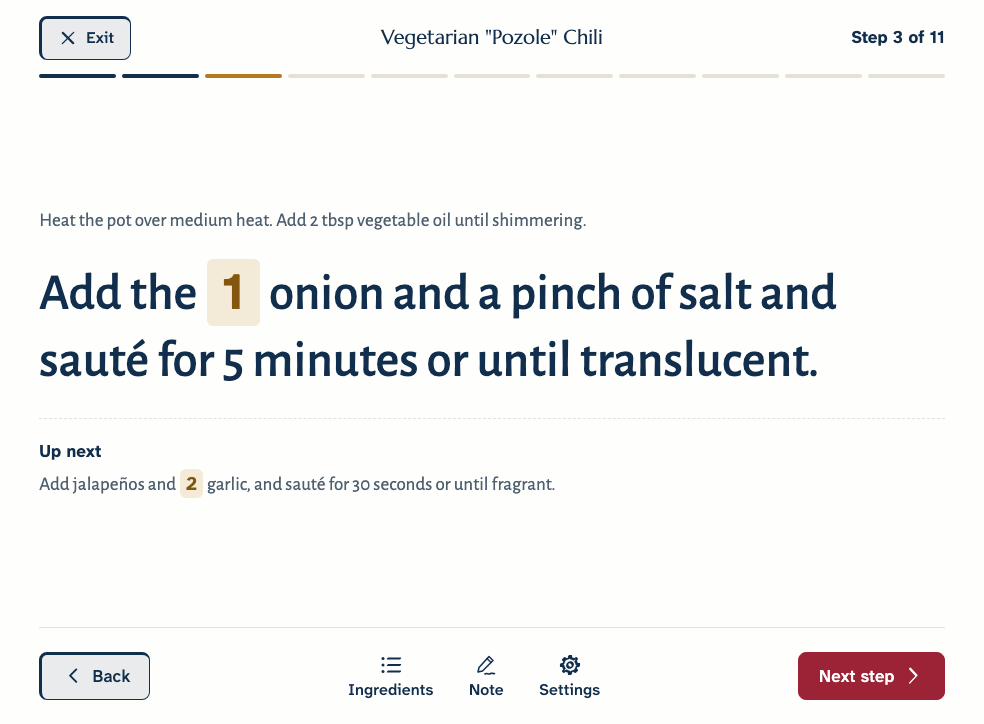
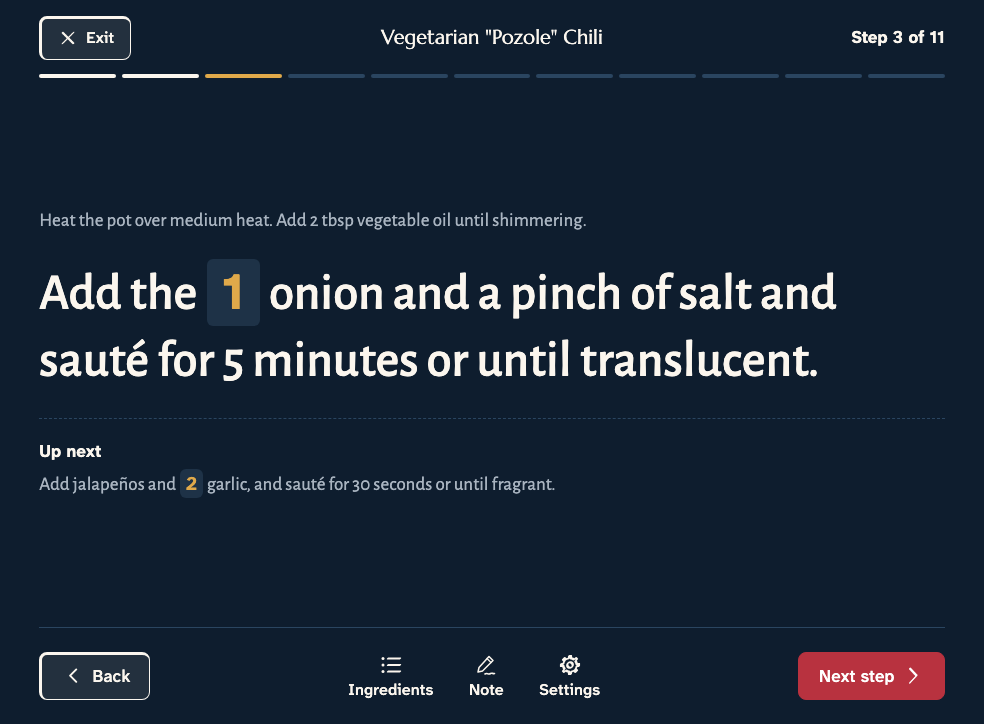
With Cook Mode, you can read each recipe one step at a time from across the kitchen, on a phone, a tablet, or a laptop. The amounts sit right in each step.
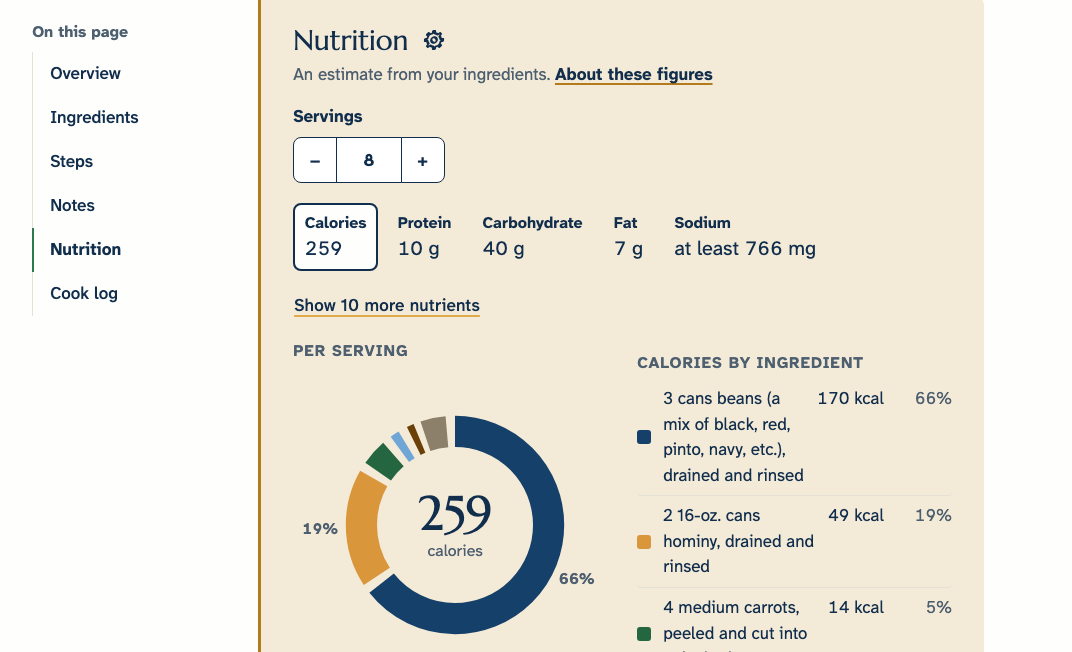
Every recipe you add gets its nutrition worked out from its own ingredients. There’s nothing to look up and nothing to type in.
Nutrition
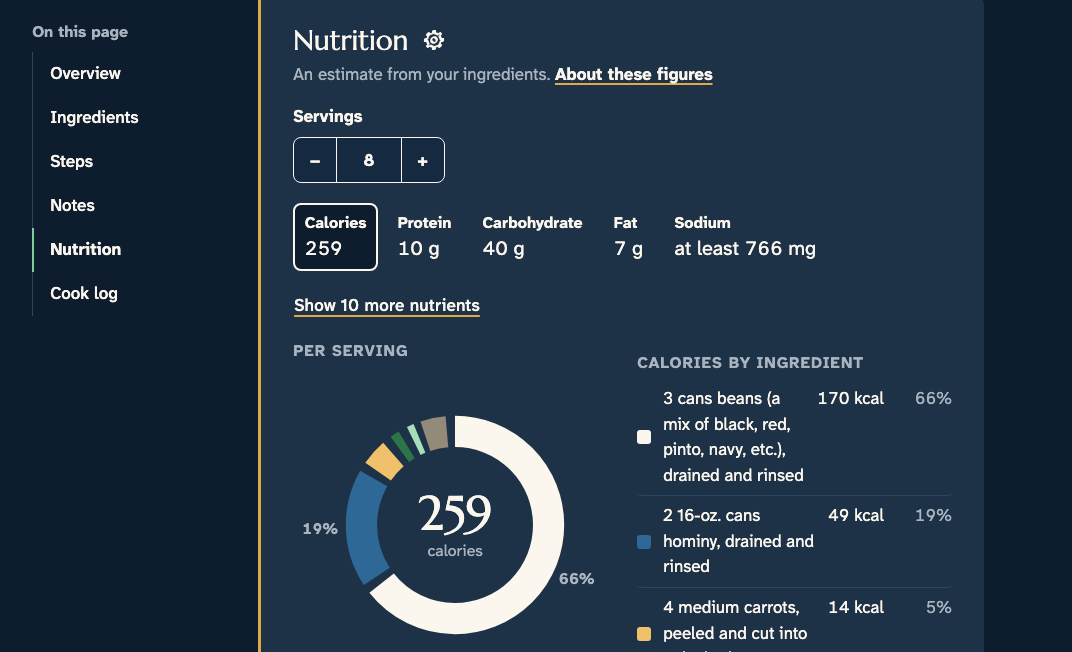
Calories, protein, carbohydrate, fat, and sodium per serving, from the ingredients in your recipe rather than someone else’s version of the dish. See what adds to each figure and where every number comes from. When we’re not sure about an ingredient, we say so.
Nutrition Lab
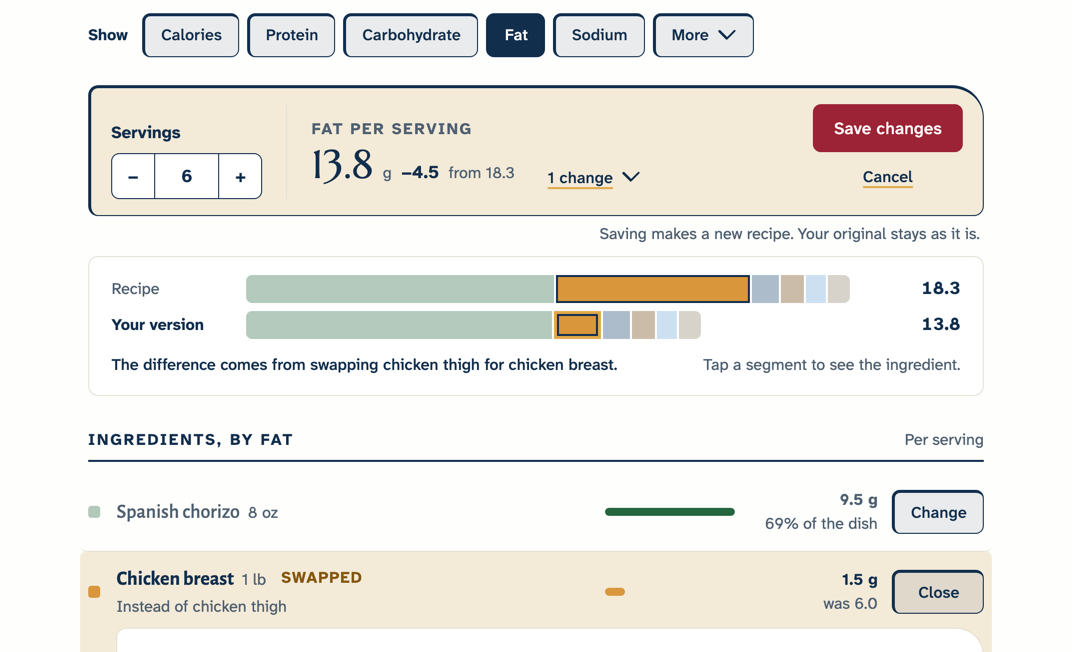
Swap an ingredient, use less of something, or leave it out, and see what each change does to every serving as you make it. Keep the result as your own version; the original stays as it is.
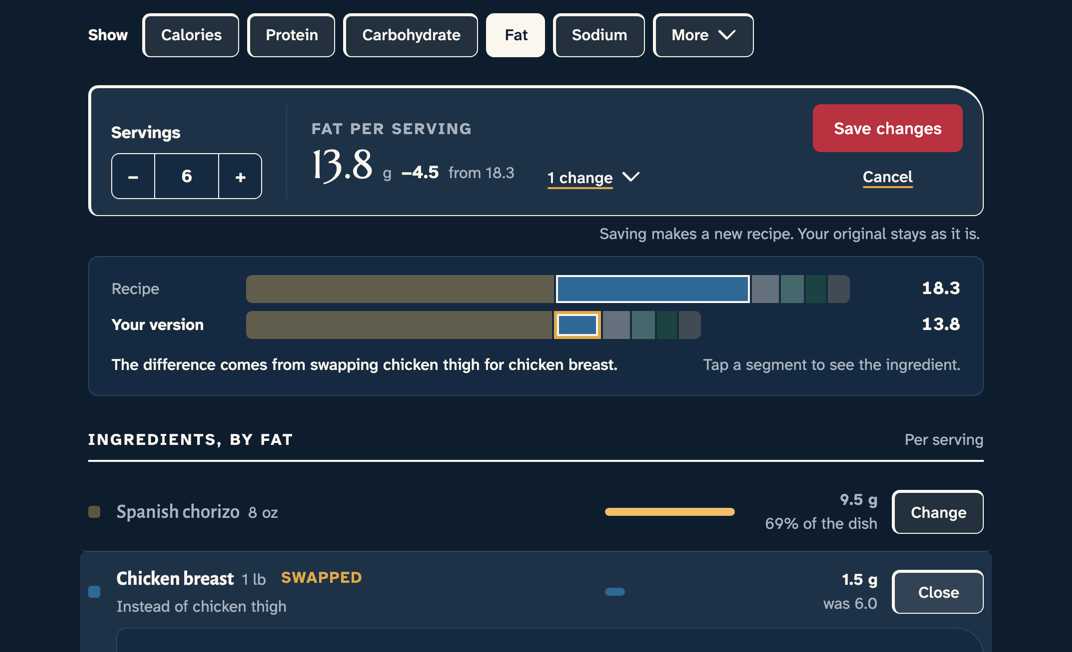
Estimates to guide you, not a nutrition label. For allergies and special diets, check ingredient labels.
How we work out nutritionFamily recipes
A recipe becomes an heirloom the way it always has: by being cooked, changed, and handed down. Capseta keeps the whole story.
From Joe’s kitchen
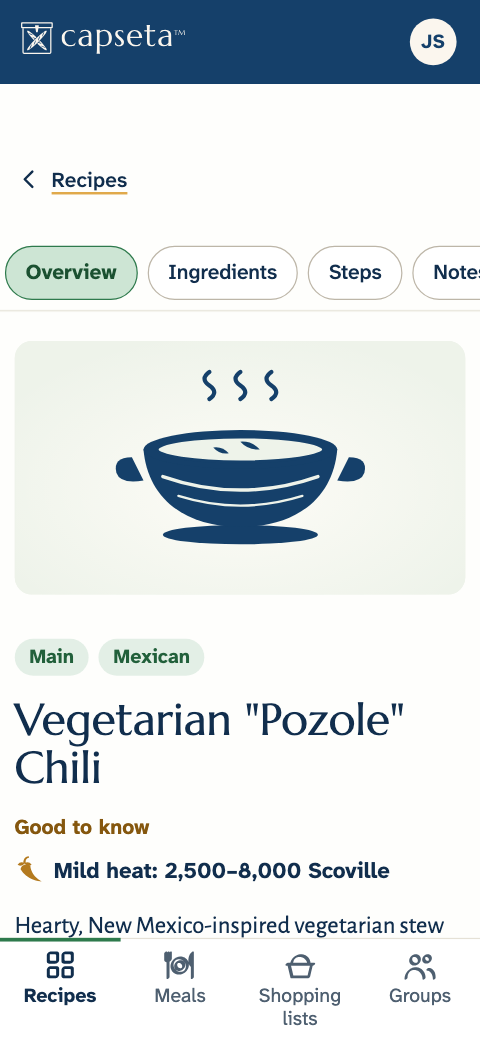
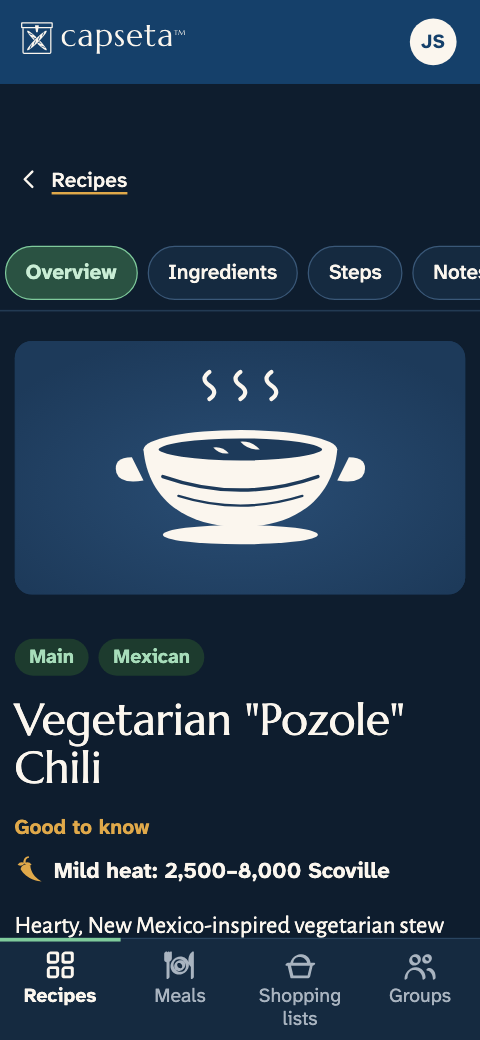
Vegetarian “Pozole” Chili
Sauté the onion, then the jalapeños and garlic. Stir in the spices, whisk in the stock, and add the beans, hominy, and Hatch chiles. Bake covered at 300°F for about 1½ hours, then add the carrots for the last 15 minutes.
Add the carrots at the end so they maintain their crunch. — Joe
Capseta is built to keep your kitchen private, the way the internet should be.
How we protect your recipesAdd your first recipe in under a minute. Free during the public beta.
The public beta
After the beta, Capseta is a yearly subscription for your whole household, up to four people. Beta testers get a generous discount when we launch, and the recipes you add during the beta stay yours, whatever you decide.
Read about the beta