Find
Find any recipe again
- Search titles, ingredients, tags, and your own notes at once.
- Your recipes and notes sync across all your devices.
Public beta · free until launch
A private recipe app for the recipes you already cook.
A recipe worth keeping is never finished. You cook it, change it, write down what worked, and pass it on. Capseta keeps your recipes in one private place, the ones from websites, cookbooks, magazines, emails, and handwritten cards, along with everything you learn each time you make them.
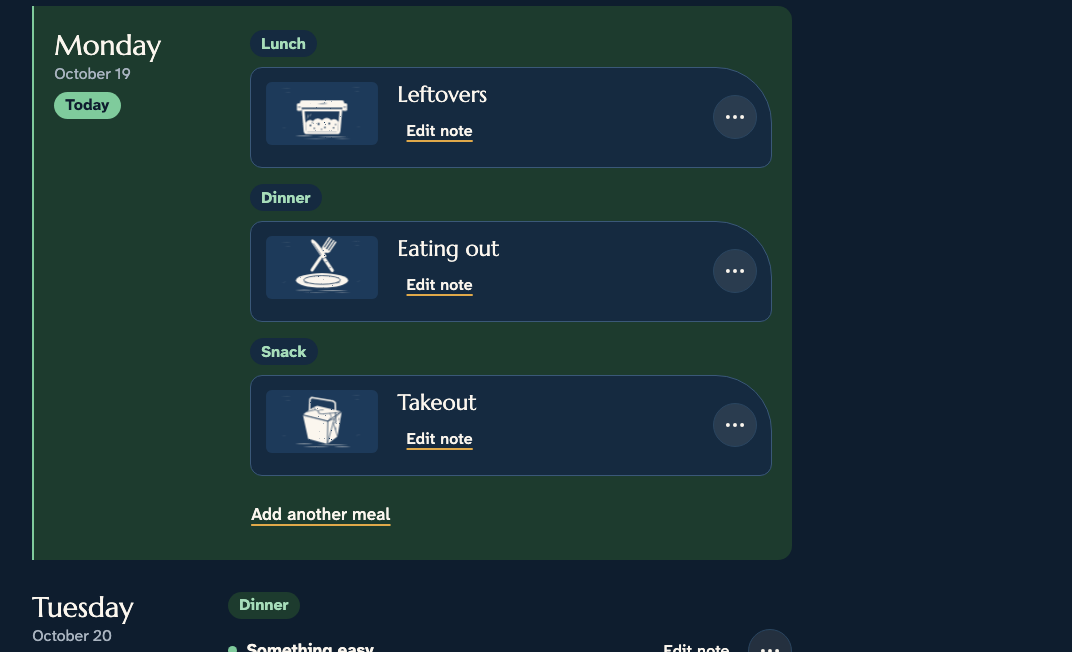
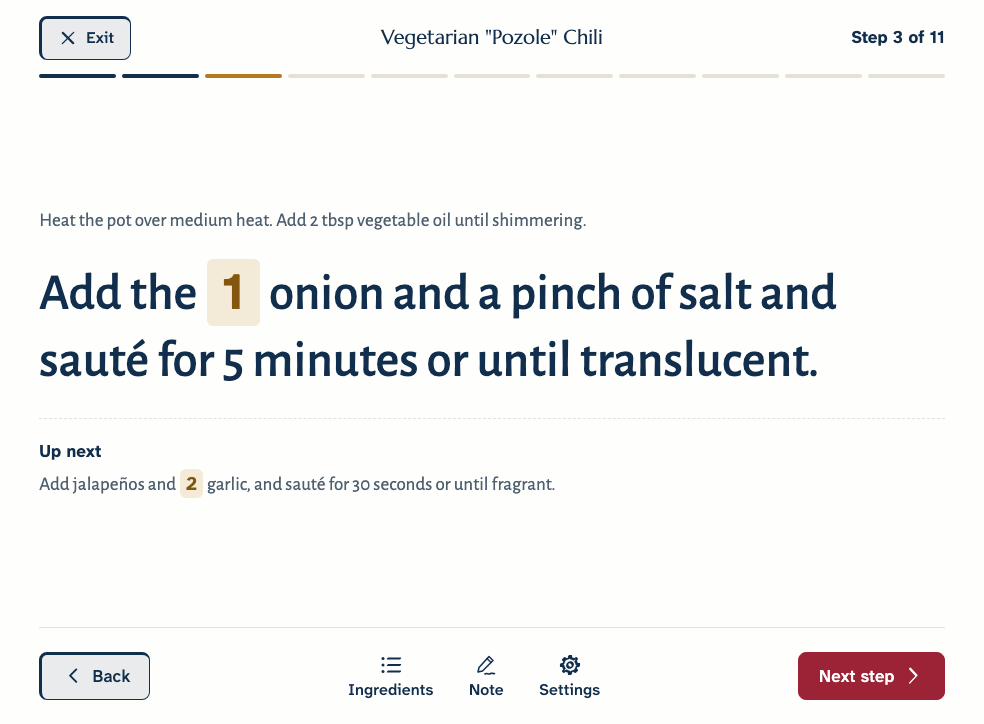
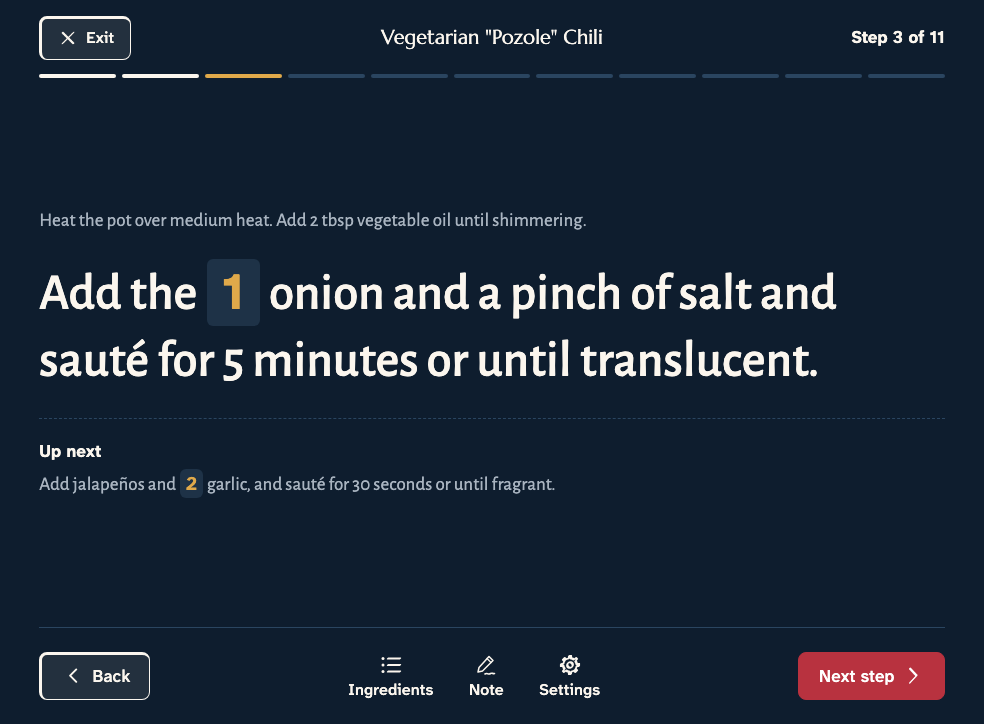
From there you can find them, plan meals around them, turn them into a shopping list, cook from them, and share them with the people you cook for, on your phone, tablet, or computer.
Capseta is in public beta, and it’s free while the beta lasts.
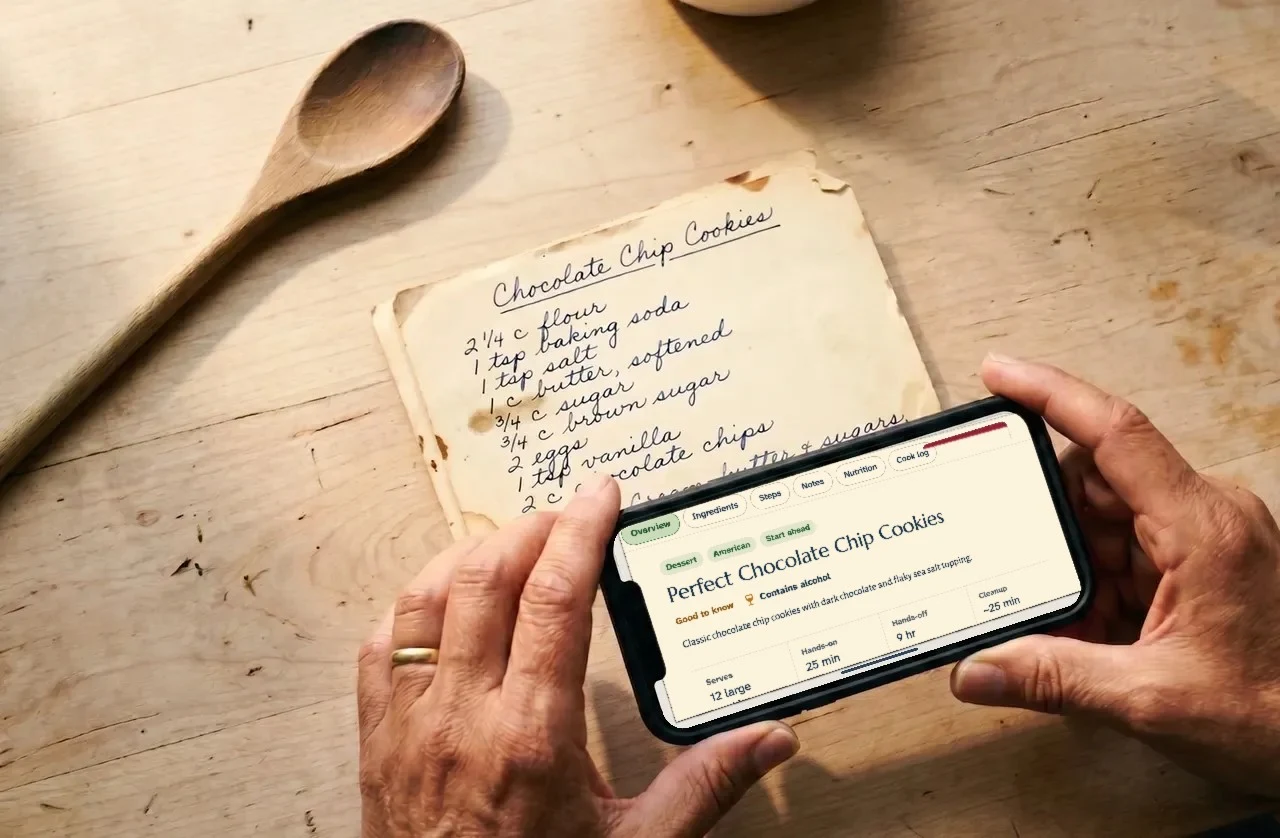
Capseta is for people who already have recipes they trust and want a better way to use them. If your recipes are spread across bookmarks, cookbooks, screenshots, photos of a grandmother’s cards, and emails from friends, Capseta puts them in one place and keeps them private.
It isn’t a recipe website or a social network. There’s no feed, no recipes chosen for you by an algorithm, and no ads. It starts from your recipes.
Family recipes
From Joe’s kitchen
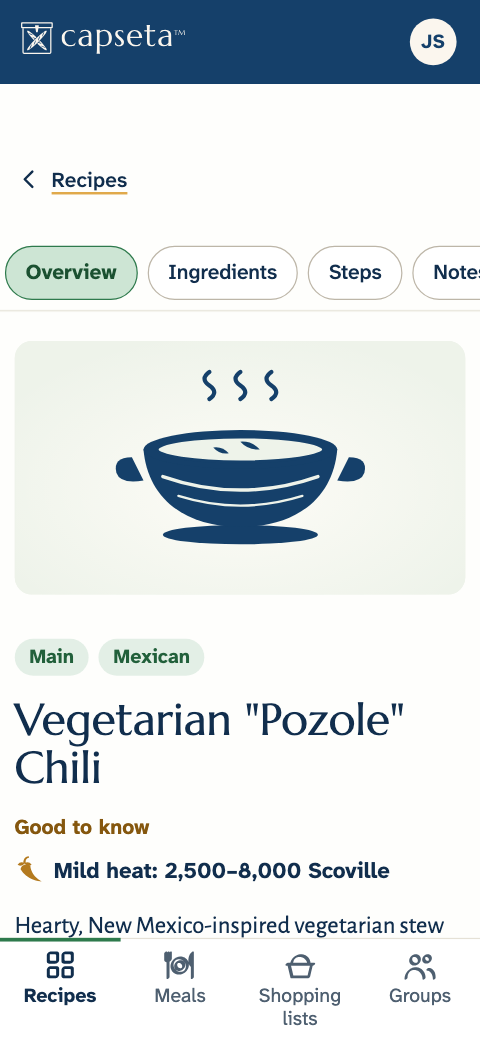
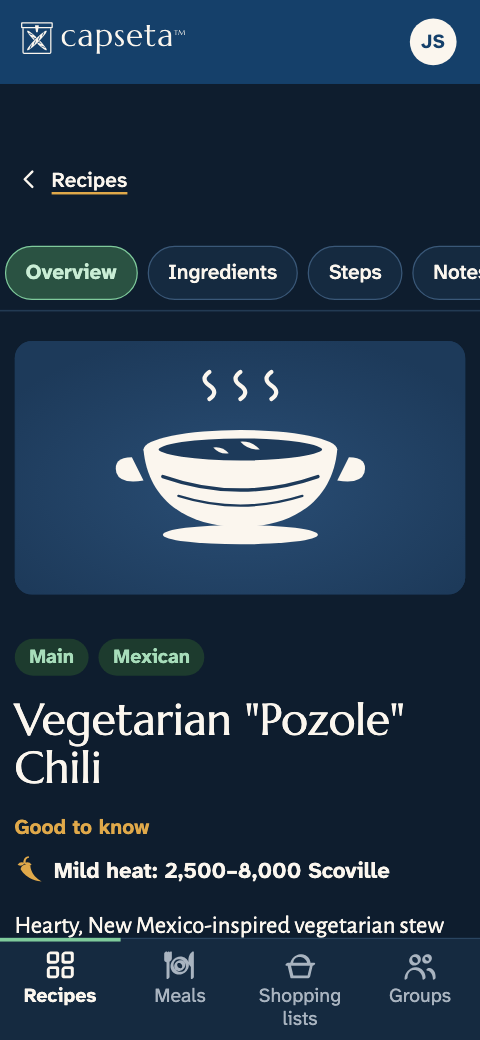
Vegetarian “Pozole” Chili
Sauté the onion, then the jalapeños and garlic. Stir in the spices, whisk in the stock, and add the beans, hominy, and Hatch chiles. Bake covered at 300°F for about 1½ hours, then add the carrots for the last 15 minutes.
Add the carrots at the end so they maintain their crunch. — Joe
Every import waits for you to check it. You can review, correct, and edit anything: the title, ingredients, steps, timing, servings, tags, and photos.
Moving from another app? Bring your whole library at oncePaste a link from almost any recipe site. You get the recipe without the ads and pop-ups: the title, ingredients, steps, and timing. A few sites block automated access; for those, copy and paste the recipe text instead.
Take a photo, even across several pages. Capseta reads printed pages and handwriting.
Upload photos, PDFs, Word documents, or spreadsheets, or paste text from an email or a message.
Find
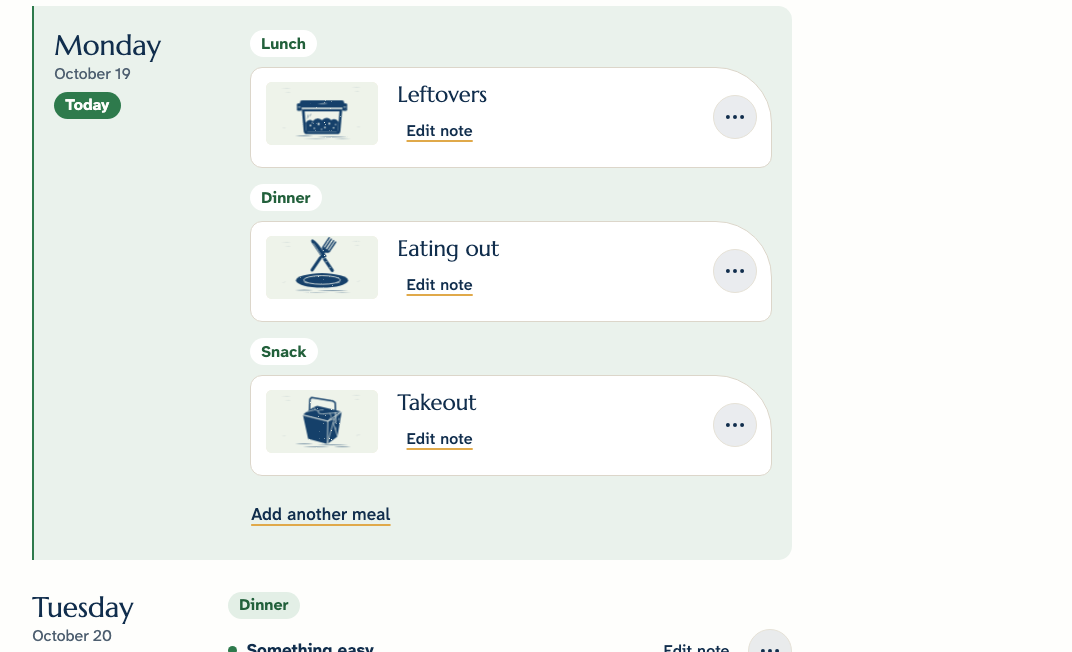
Plan and shop
Cook
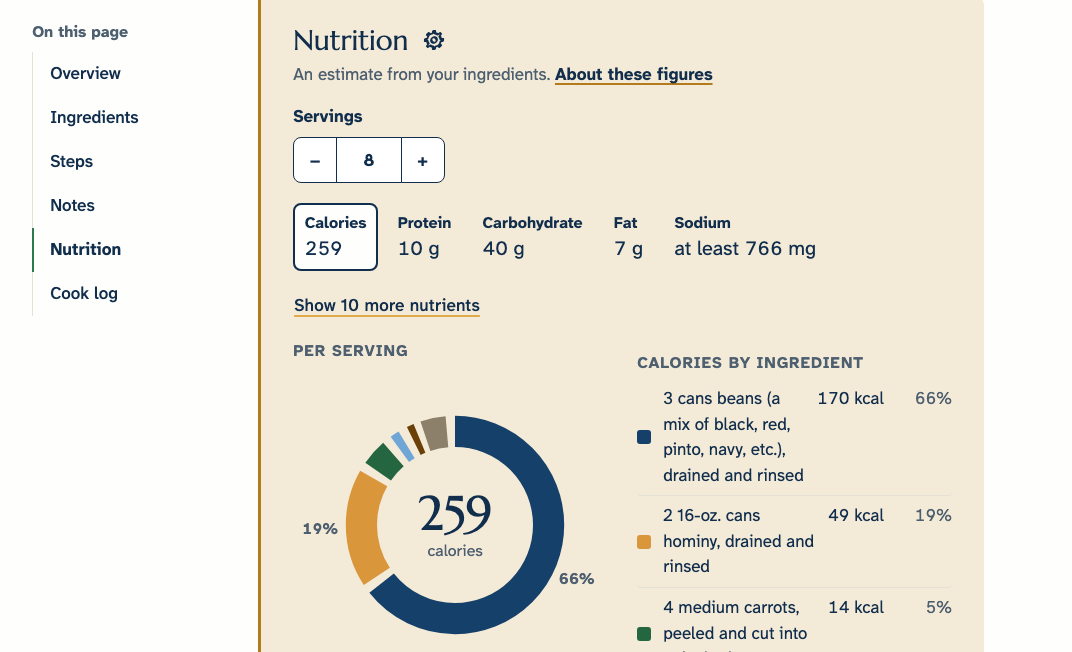
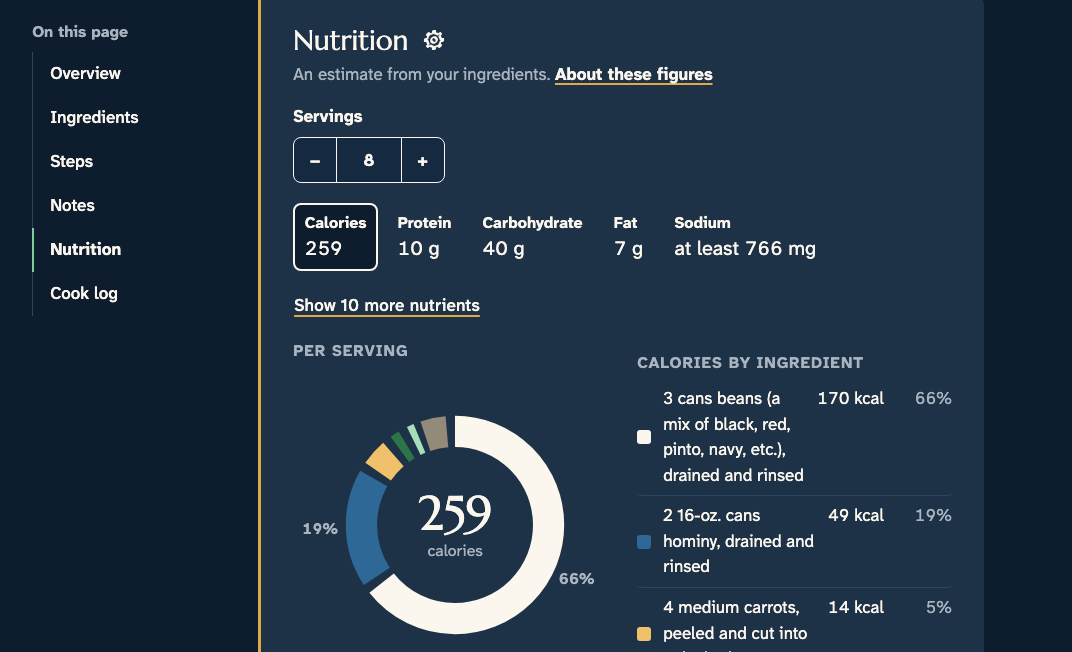
Nutrition
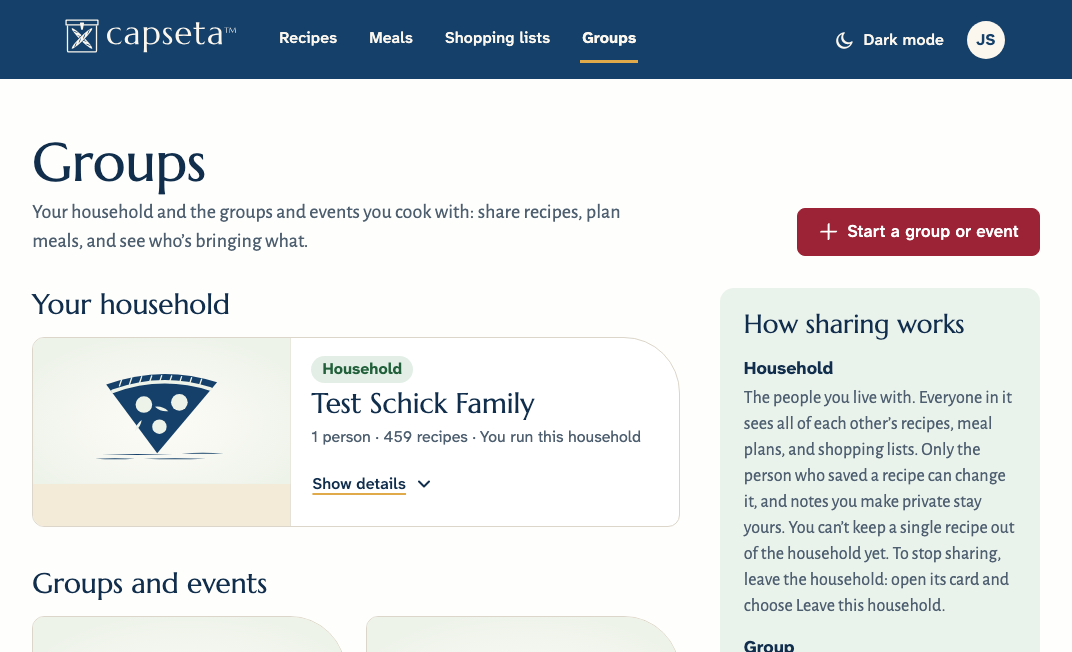
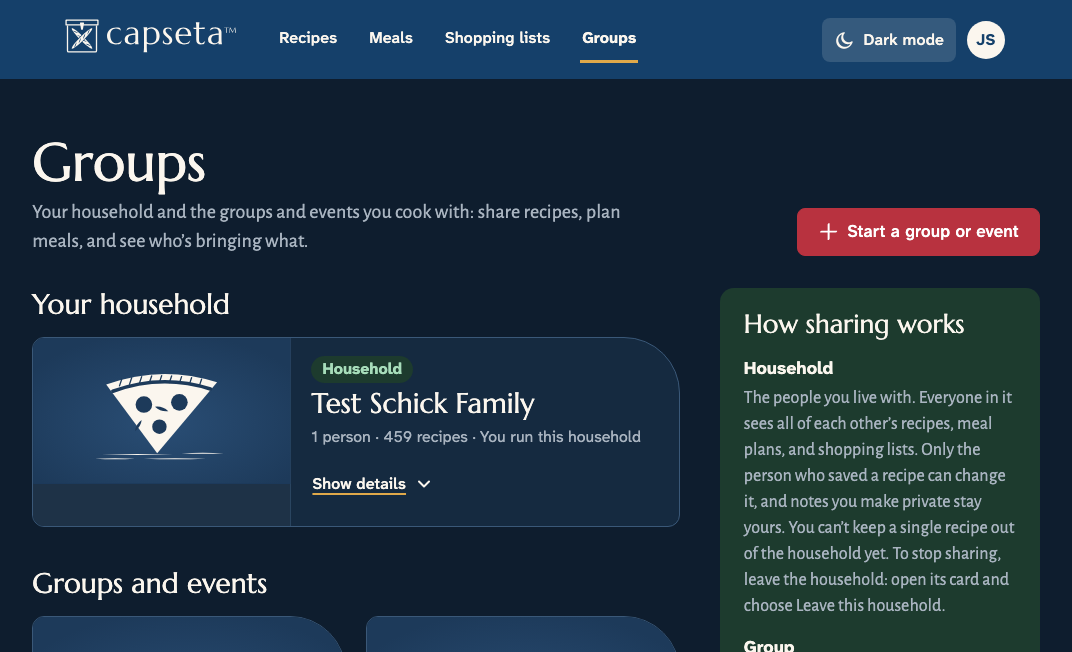
Share
There’s no public feed and no bulk sharing. Capseta is a personal digital cooking assistant, not a publishing platform.
Free during the public beta. Your recipes sync between the web and the apps.
Capseta’s screens and menus are in 10 languages: English, Spanish, French, German, Dutch, Swedish, Italian, Portuguese, Polish, and Catalan. Your recipes don’t have to match. Import a recipe from a site in your language, a cookbook from another country, or a card in your grandmother’s handwriting, and it stays in the language it was written in.
Amounts work the way you measure. Switch a recipe between cups and grams, and turn on estimated weights to see grams beside cups and spoons for the ingredients that can be weighed reliably, like flour, sugar, and butter.
We design and build Capseta to meet WCAG 2.2 AA, and we treat that as a floor, not a ceiling: full keyboard and screen reader support, large readable text, and high-contrast colors, made for real kitchens rather than ideal desks.
Our accessibility statementIn the apps, sign in with the email you use on the web; the apps send you a code.
Capseta is free for everyone during the public beta, with every feature included and no card needed. The core features work and your data is real, so you can use Capseta as your everyday recipe system today. You may still find rough edges while we finish it, and what you tell us shapes what we fix and build next.
Capseta is a private recipe app for home cooks. Save recipes from websites, cookbooks, photos, handwritten cards, and PDFs, then organize them, plan meals, make shopping lists, and cook from them, all in one place.
Yes. Capseta’s screens and menus are in 10 languages: English, Spanish, French, German, Dutch, Swedish, Italian, Portuguese, Polish, and Catalan. Your recipes can be in other languages too, and each one stays in the language it was written in.
From most of them. Paste a link and Capseta brings in the title, ingredients, steps, and timing. A few sites block automated access; for those, copy and paste the recipe text instead. Capseta reads recipes written in many languages, from websites, photos, and handwriting.
Capseta is free during the public beta, with every feature included and no card needed. After the beta, it’s one yearly subscription for your whole household, up to four people, and beta testers get a generous discount when we launch.
They stay yours. We email you before the beta ends, and nothing is charged unless you choose to subscribe. Without a subscription, you can still view, search, cook from, export, and share every recipe you added during the beta. Adding new recipes after the beta needs a subscription.
Yes. Your recipes are private by default: not published, not indexed by search engines, and not visible to anyone you haven’t shared them with. We don’t sell your recipes, we don’t build advertising profiles, and we block AI scrapers from your collection.
Yes. Capseta runs in any modern browser on a phone, tablet, or computer, and your recipes sync across all of them. On iPhone and iPad, the Capseta app is in public beta through Apple’s TestFlight. On Android, the Capseta app is in public beta on Google Play.
Paste a link or take a photo of a recipe you love. Capseta reads it, and you see the result before you create an account.
Free during the public beta. No card needed.